
Web Application Development
A website tells people something. A web application lets them do something: sign in, place an order, approve a request, download an invoice. The difference is state. Once the system remembers who you are and what you did, it needs permissions, validation, backups and someone who thinks about what happens when two people press Save together.
That is the work we do. Browser-based software for staff, customers or both, reached through a normal address, with nothing to install.
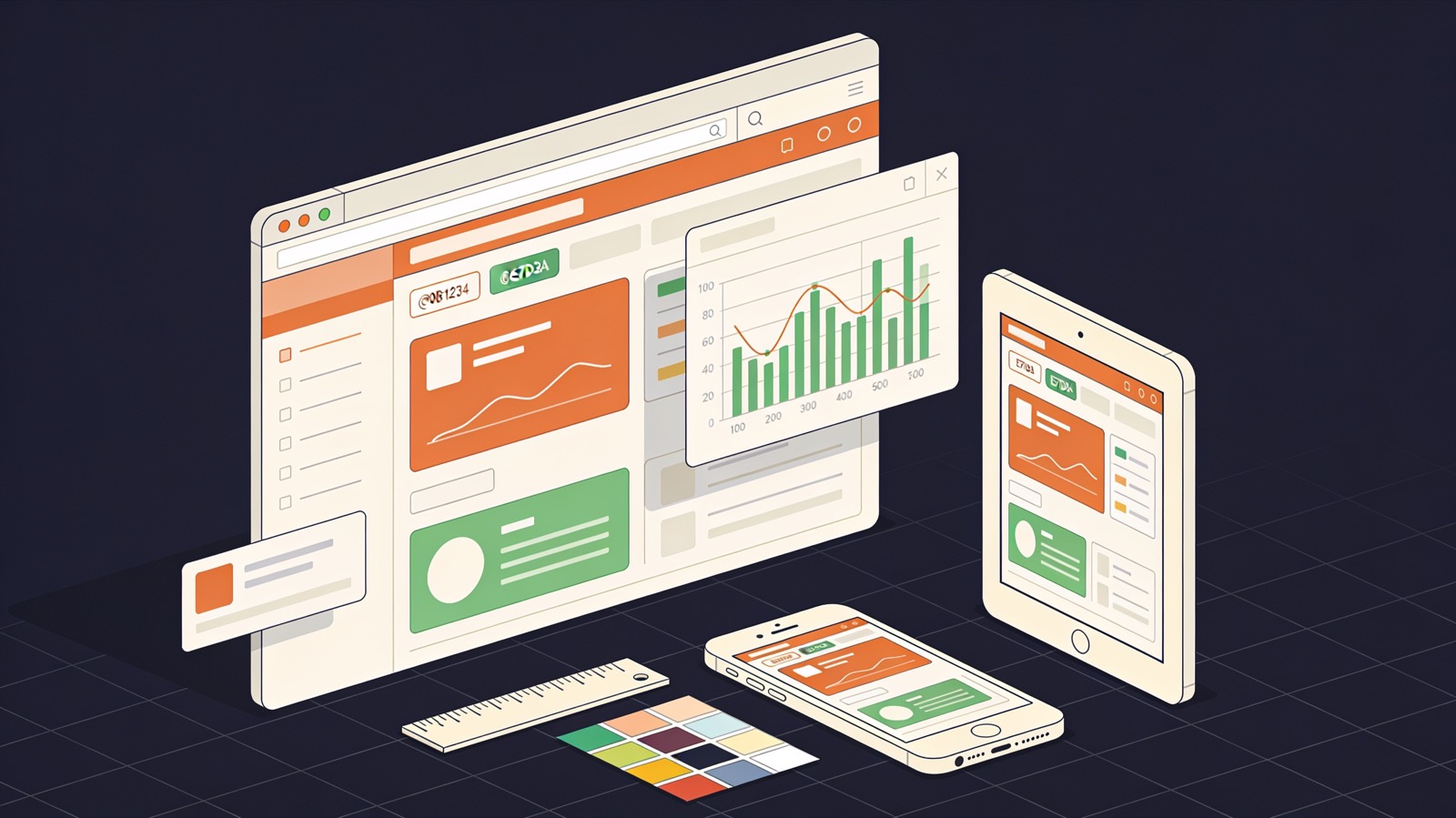
Kinds of application we take on
Different names, similar bones: accounts, data, rules and screens.
Customer portals
Clients sign in to see orders, documents, tickets or statements. The portal reads from the systems you already run, so nobody re-keys anything.
Back-office tools
Screens for staff: job boards, approval queues, stock adjustments, rota planning. Dense, keyboard-friendly and fast, because people use them all day.
Subscription software
Multi-tenant applications where each customer has a private space. Plans, billing through a payment provider, usage limits and an admin area for your support staff.
Booking and scheduling
Calendars, availability rules, time zones, reminders and cancellations. The hard part is double-booking, and it is solved in the database, not in the browser.
Reporting dashboards
Charts and tables over live data, with filters, exports to CSV and scheduled email summaries.
Marketplaces and directories
Two kinds of user, listings, search, messaging and moderation. Payments are split through the provider rather than held by you.
Built into every application
None of these are extras on the quote. An application without them is unfinished.
- Role-based permissions checked on the server for every request
- Passwords hashed with a current algorithm, with optional two-step sign-in
- Protection against SQL injection, cross-site scripting and request forgery
- An audit log of who changed what and when
- Database migrations kept in version control
- Automated tests around payments, permissions and calculations
- Nightly backups and one rehearsed restore before launch
- Error tracking that alerts a person, not just a log file
- Pages that work on a phone screen and with a keyboard alone
- A staging copy that mirrors production
Order of work
We prefer to show something rough early than something polished late.
Paid discovery
Interviews, a list of user roles, the main screens as wireframes and a first data model. It ends with a written scope and a cost range.
Walking skeleton
Sign-in, one real screen and automatic deployment to a staging address. From the second week you can open it yourself.
Feature cycles
Two weeks each. We agree the items, build them, and review them with you on staging. Priorities can change between cycles.
Hardening
Load checks on the slow queries, a permissions review, browser testing and the restore rehearsal.
Launch and handover
Production deployment, domain and email set-up, administrator notes. Then a retainer with us or a handover to your team.
Languages and frameworks
We pick by what your future maintainers can hire for, not by what is fashionable this quarter.
- Server
- LaravelDjangoNode.js / NestJSASP.NET Core
- Interface
- ReactVue.jsNext.jsTailwind CSS
- Storage
- PostgreSQLMySQLRedisS3-compatible object storage
- Payments
- StripeRazorpayPayPal
- Hosting
- AWSAzureDigitalOceanYour own server
Is a web application the right tool?
It suits you when
- Users sit at desks or use it occasionally from a phone browser.
- You want one codebase and releases without a store review.
- Several roles need different views of the same data.
- The rules are yours and no existing product follows them.
Consider something else when
- The job is a brochure site with a contact form. A content management system will do.
- Users work without signal for hours. That calls for a native app with local storage.
- A subscription product already covers the need at a fair price.
- Nobody can spare time to review work every two weeks.
Hourly rates for web application work
Our rates are published. Pick the role and move the sliders for an indicative budget.
Rate card
| Role | Hourly | Monthly* |
|---|---|---|
| Frontend / WordPress | AED 110 | AED 17,600 |
| Backend / API | AED 118 | AED 18,880 |
| Full-stack | AED 129 | AED 20,640 |
| Mobile (React Native / Flutter) | AED 129 | AED 20,640 |
| DevOps / Cloud | AED 147 | AED 23,520 |
| AI / Automation engineer | AED 165 | AED 26,400 |
| QA / Test engineer | AED 92 | AED 14,720 |
| UI / UX design | AED 103 | AED 16,480 |
*160 hrs/month full-time. Rates are indicative for planning, in UAE dirhams (converted from our US-dollar rates at the fixed peg of 3.6725), before VAT where applicable, and depend on seniority, contract length and timezone overlap. Longer engagements and multi-role teams are discounted — ask.
Asked in most first calls
Single-page app or server-rendered pages?
Server-rendered pages with small interactive parts are simpler and quicker to build for most business tools. A full single-page front end is justified for highly interactive screens such as planners and editors.
How many users can it handle?
That depends on what they do, not on a headline number. We measure the slowest queries under realistic data volumes and size the hosting from that.
Will it connect to our accounting system?
If the other system has an API or accepts file imports, yes. We check its documentation during discovery and tell you what is possible before quoting.
Do you design the screens too?
Yes. UI/UX design is on the published rate card at AED 103 an hour. If you have a designer, we work from their files.
What about security standards our customers ask for?
We build to the requirements your compliance or legal adviser specifies and document what was done. Audit and certification are carried out by your auditor, not by us.
Send us the list of users and tasks
Who signs in, and what should each of them be able to do? A rough list is a fine start. Expect our reply inside one business day.